
TikTok Studio is the official application of TikTok Pte. Ltd, which will help you to significantly simplify the management of your content on this social network. With its help, you are given access to such functions as: statistics, editing posts, analysis of various parameters. All this will allow you to somewhat optimize your activities on the platform.
Do you need this separate app, or is it already built into TikTok?
The same core analytics are also available directly inside the main TikTok app, under Profile → menu (☰) → Creator Tools → Analytics — you don’t strictly need to install this separate app just to see your stats. What TikTok Studio adds is a more dedicated, spacious interface built specifically for that workflow, along with the built-in editing tools covered below. If you’re only checking numbers occasionally, the in-app version is enough; if content management is a daily habit, the dedicated app is worth having.
One requirement either way: you’ll need a Creator or Business account rather than a personal one to unlock analytics at all. Switching is free and takes a minute — Settings and Privacy → Account → Switch to Business Account (or Creator Account).
There are also TikTok Studio mods that can be downloaded from the links below. However, you should always be aware of the risks associated with using modified (unofficial) applications.
What the Analytics dashboard actually shows
TikTok Studio provides a convenient section for accessing statistics on all your posts, organized into several tabs rather than one long list:
- Overview — video views, profile views, likes, comments, shares, and follower count over the past 7, 28, or 60 days (or a custom range).
- Content — performance for individual videos, which ones are gaining traction fastest, your publishing history, and when you’ve been posting.
- Followers — demographics, activity patterns, and specifically when your followers are most active. This is the exact tab worth checking if you’re trying to figure out your own best time to post rather than relying on generic study averages.
- LIVE — performance metrics for your livestreams, if you use that feature.
Most of this data is presented as graphs that are intuitive to read even without much analytics experience.

Analysis of trends by country
With the help of TikTok Studio, you have the opportunity to analyze trends in different geographic regions. By choosing countries and topics, you can segment lists of successful videos, and take into account the information received when creating high-quality and interesting video content. This also includes viewing trending hashtags that will help you promote posts.
Video editing in the app
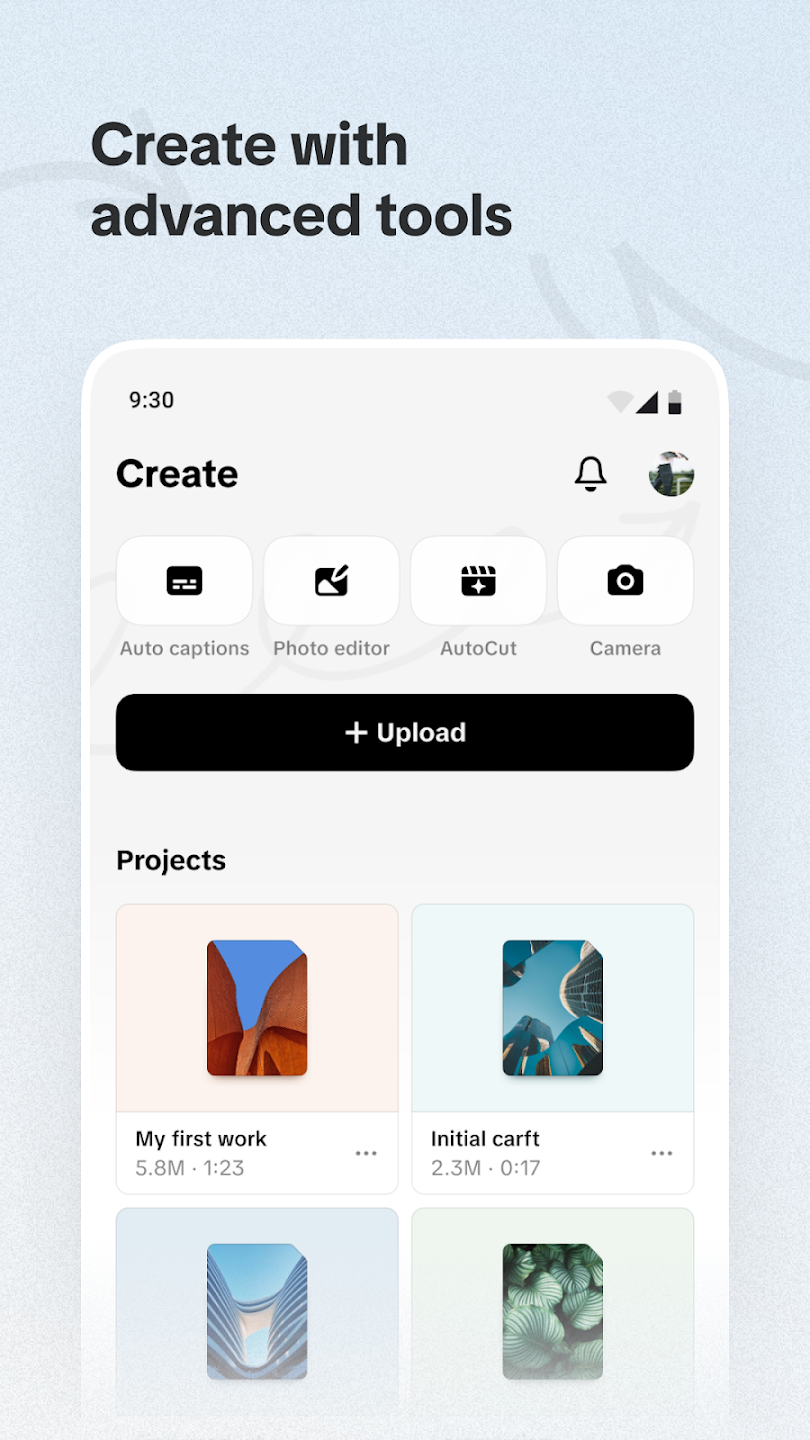
TikTok Studio has a built-in video editor. It is quite simple, but it allows you to edit your videos and send them to the social network. If desired, you can add some filters and effects, cut out the necessary fragments to create attractive videos. This tool also provides dozens of sounds for easy addition to video materials. In general, despite the simplicity, the section is quite useful.
Monetization analysis
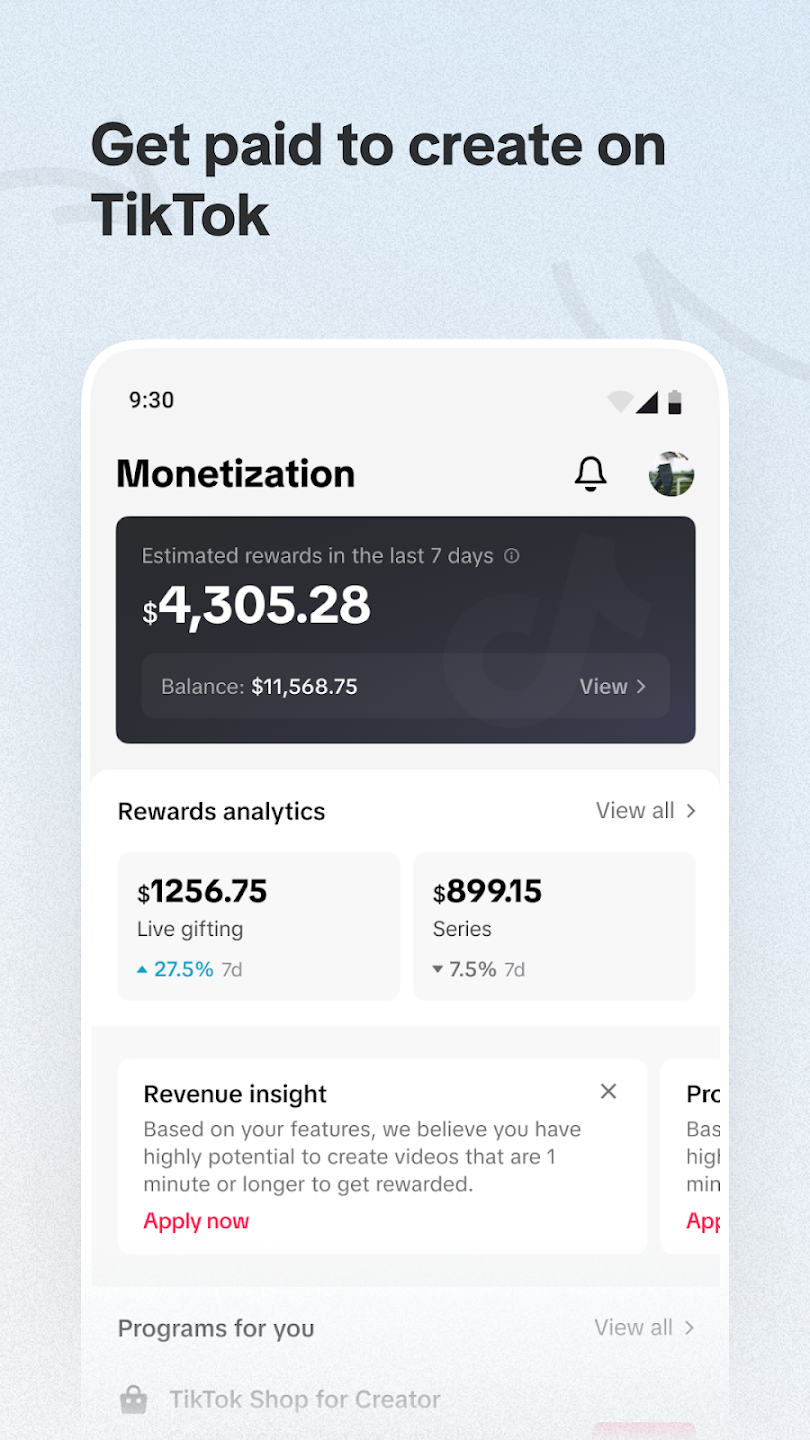
Earning money on this social network is one of the main goals for many users. If monetization is enabled in your account, TikTok Studio will help you analyze your income. For this, there is a special section where you can track your profits.
Frequently asked questions
Why don’t I see an Analytics option at all?
This usually means your account is still set to Personal rather than Creator or Business — switch it in Settings and Privacy → Account, and the Analytics option should appear.
Does switching to a Business account change how my content performs?
No — it only unlocks analytics and a few extra tools; it doesn’t change how the algorithm treats your videos.
Is the completion rate shown anywhere in these tabs?
Yes, under the Content tab for individual videos — it’s one of the more useful numbers to watch, since it correlates closely with how far the algorithm pushes a video, more so than raw view count alone.